Connect your store
Follow the steps below. Screenshots show exactly what you'll see in the app.
Log in to the DropshippingLite App
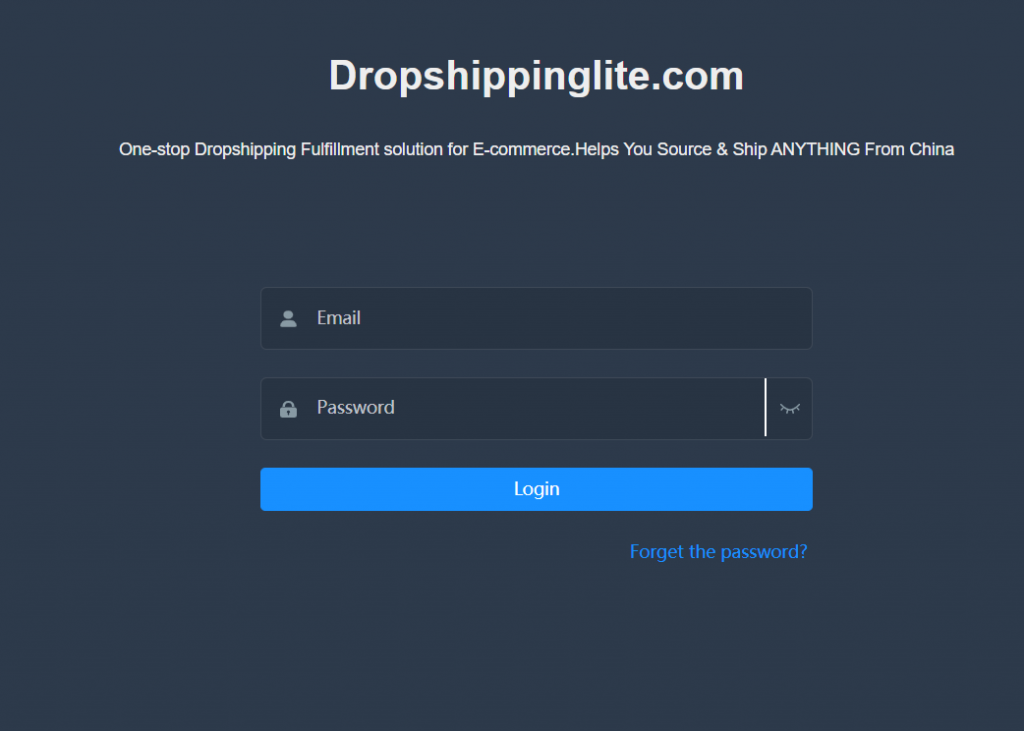
Open the DropshippingLite App and sign in with your email and password, then click Login.
Don't have an account yet? Register first, then come back to this step.
Add your Shopify store
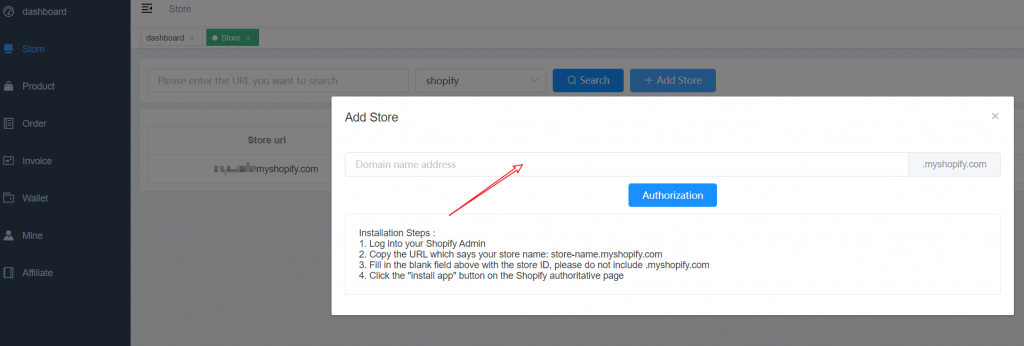
In the left menu, open Store, make sure the type is set to shopify, then click Add Store. In the popup, enter your Shopify store ID.
.myshopify.com on the right automatically — typing it twice will break the authorization.
Authorize on Shopify
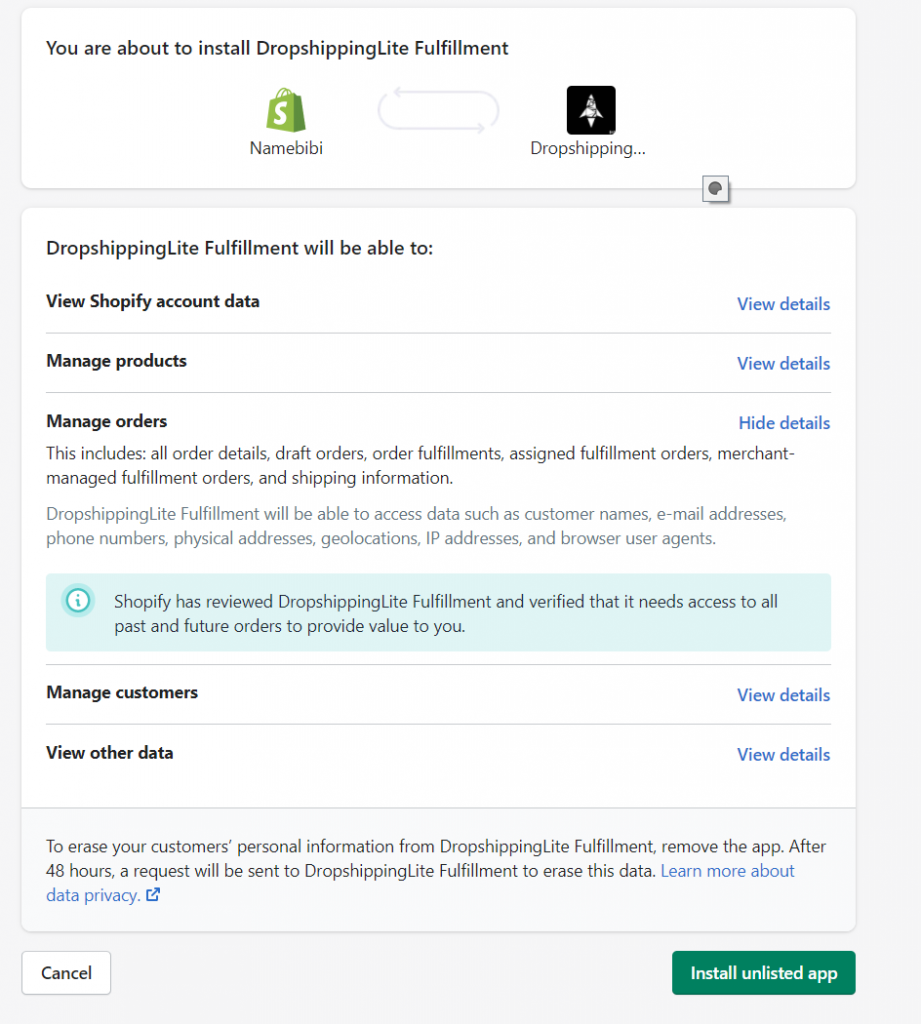
Click Authorization. You'll be redirected to Shopify to install DropshippingLite Fulfillment. Review the requested permissions, then click Install unlisted app.
Why these permissions? They let us sync your store so we can fulfill orders for you:
- View account data & products
- Manage orders & fulfillment
- Manage customers (for shipping addresses)
Confirm the connection
After installing, return to the Store page in the DropshippingLite App. Your Shopify store now appears in the list with a green Verified status.
